A company builds a database, starts sending a newsletter and, a year later, finds that the open rate has fallen to a third. Unsubscribes keep growing and nobody knows why.
The answer is usually simple. Over that year, the newsletter turned into a list of promotions and stopped being a reason to open it.
This piece is about the craft. What to put in a newsletter, how to write the subject line, how often to send and how to tell that your database is wilting before it shows up in your revenue.
Why people stop opening
Unsubscribes are only the visible part of the problem. Most people don’t unsubscribe, they just stop opening, and from a deliverability point of view that is worse.
Email clients track whether anyone opens your messages. If nobody does, they start filing them outside the main inbox, even for people who are interested in you.
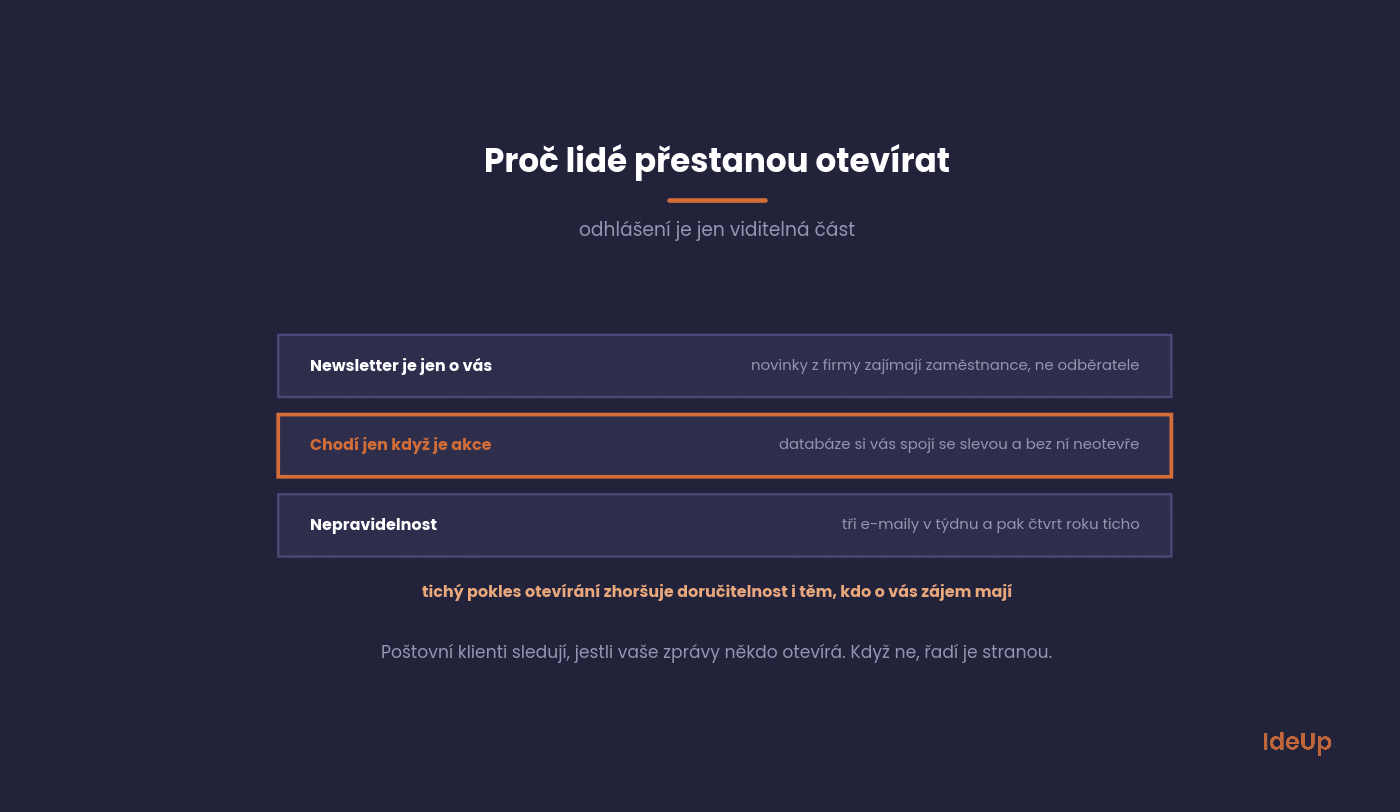
The newsletter is only about you. Company news, anniversaries, photos from a trade fair. That interests employees, not subscribers.
We cover how to work with topics people genuinely care about in our article on content marketing. The source of topics is the same, namely customer questions.
It only arrives when there is a promotion. The database comes to associate you with discounts and, without a discount, no longer opens.
Irregularity. Three emails in a week, then three months of silence. People forget who you are and next time click unsubscribe.
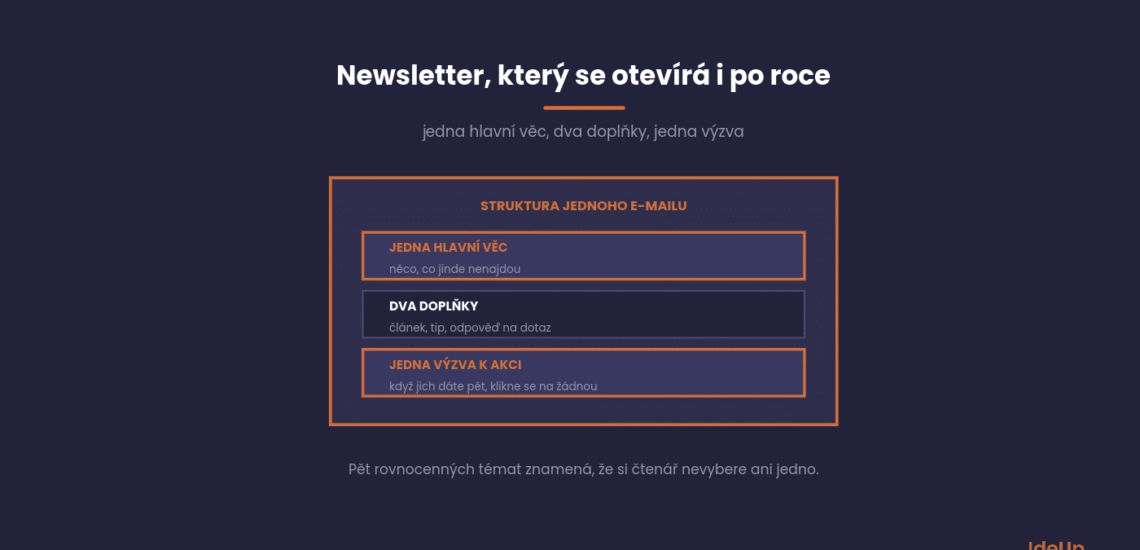
A structure that works is simpler than you might expect. One main item, two supporting ones and a clear call to action.
What matters is whether the subscriber feels, after reading, that it was worth the minute.
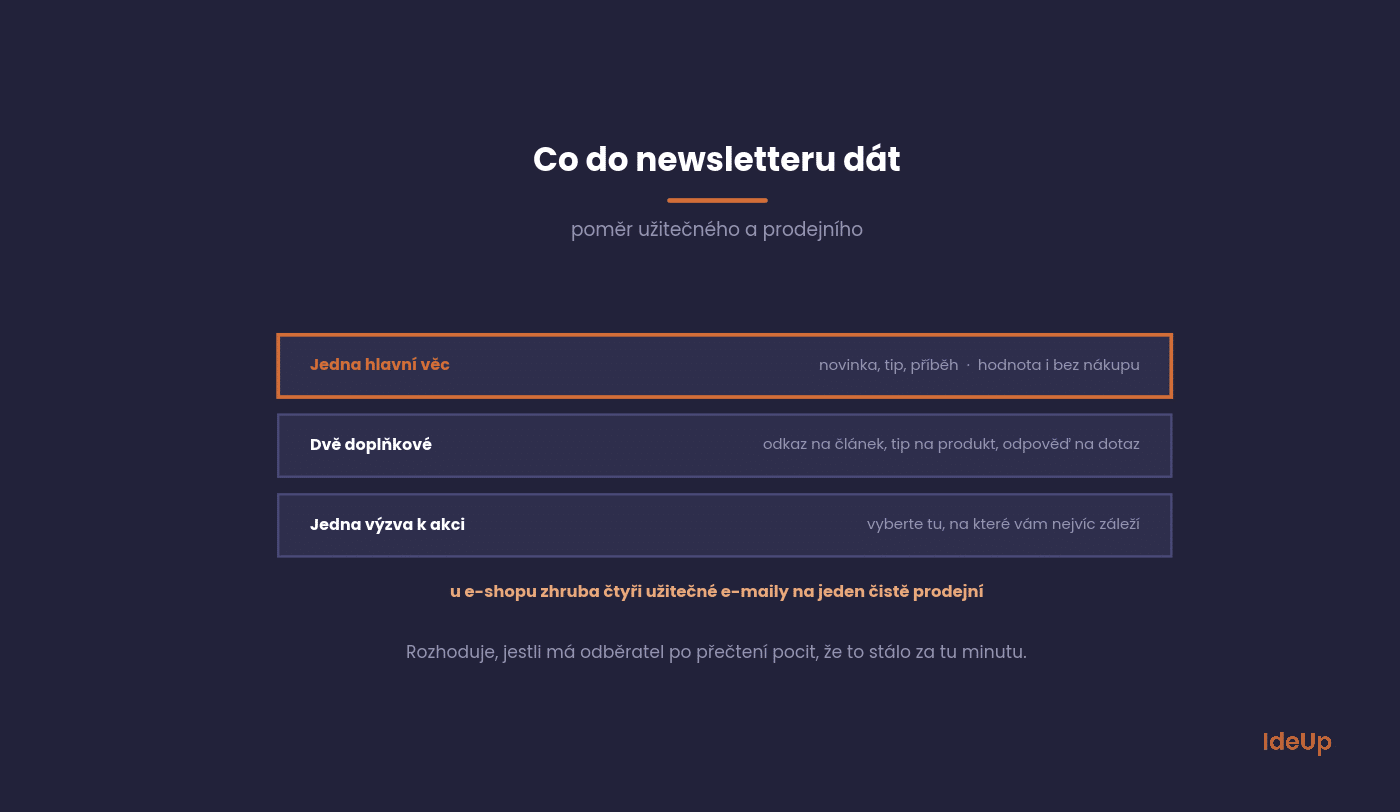
One main item. News, a tip, a story, a specific piece of advice. Something the subscriber wouldn’t find elsewhere and that has value even without a purchase.
Two supporting items. A link to an article, a product tip, a short answer to a frequently asked question.
One call to action. If you include five, nobody clicks any of them. Choose the one that matters most to you.
When linking to an article, choose based on what answers a real question people have. Your own blog is usually the best source, not company news.
For e-shops, a ratio of roughly four useful emails to one purely sales email tends to work. For services, the ratio is even stricter.
Knowing what goes into a newsletter is one thing. Writing it every week or month without staring at a blank screen is another. A fixed writing order helps.
- Start with one sentence. Write down what the reader should know or do after reading. If you can’t put it in one sentence, the email isn’t ready.
- Write the main item first. It carries the whole email, so give it most of your time. The rest can wait.
- Add the supporting items. Two or three sentences each are enough, plus a link to the full version.
- Write the opening line. It shows next to the subject line in many inboxes, so it should add to it, not repeat it.
- Write the subject line last. Only now do you know what the email is really about.
- Send yourself a test. Read it on your phone, click every link and check how it looks with images turned off.
The main item works best as a short article with one idea. Open with the problem the reader recognises, give your answer, and close with what to do next.
Use short paragraphs and one concrete example. A real situation from a customer is more convincing than a general claim. If the topic needs more space, write a summary in the email and put the full text on your website.
The subject line decides everything else
The best content won’t help if the email isn’t opened. The subject line is the only thing most subscribers will see.
A few things work for subject lines, and you can test them within a month.
Specific beats clever. A subject line that says what’s inside works better than a riddle with no context.
Keep it under fifty characters, because on mobile a longer subject line gets cut off. Put the important part first.
Avoid words that trigger filters, mainly loud discount phrases, capital letters and exclamation marks. It’s not only about filters, it also reduces trust.
Test the subject line on part of your database if your tool allows it. The differences tend to be significant, and it’s the cheapest optimisation you can make in email.
Weak and better subject lines compared
A weak subject line describes the email as a format. A better one describes what the reader gets.
- Weak: October newsletter. Better: Three ways to cut your delivery costs.
- Weak: News from our company. Better: What changes for your orders in winter.
- Weak: You won’t believe this. Better: Why our cheapest model sells best.
How often to send
There is no universal answer, but there is a way to find yours. What matters is whether you have something to say, not the calendar.
As a rough guide, once a week to once every two weeks for an e-shop, and once a month for B2B services.
Increase frequency gradually and watch the unsubscribe rate. If it jumps after an increase, you have your answer, so go back.
Regularity matters more than frequency. A subscriber who knows when your email will arrive opens it more often.
Segmentation without the complexity
Segmentation sounds like a months-long project. Yet the biggest impact comes from the simplest split, which you can set up in an hour.
Four groups are enough, and each gets different content.
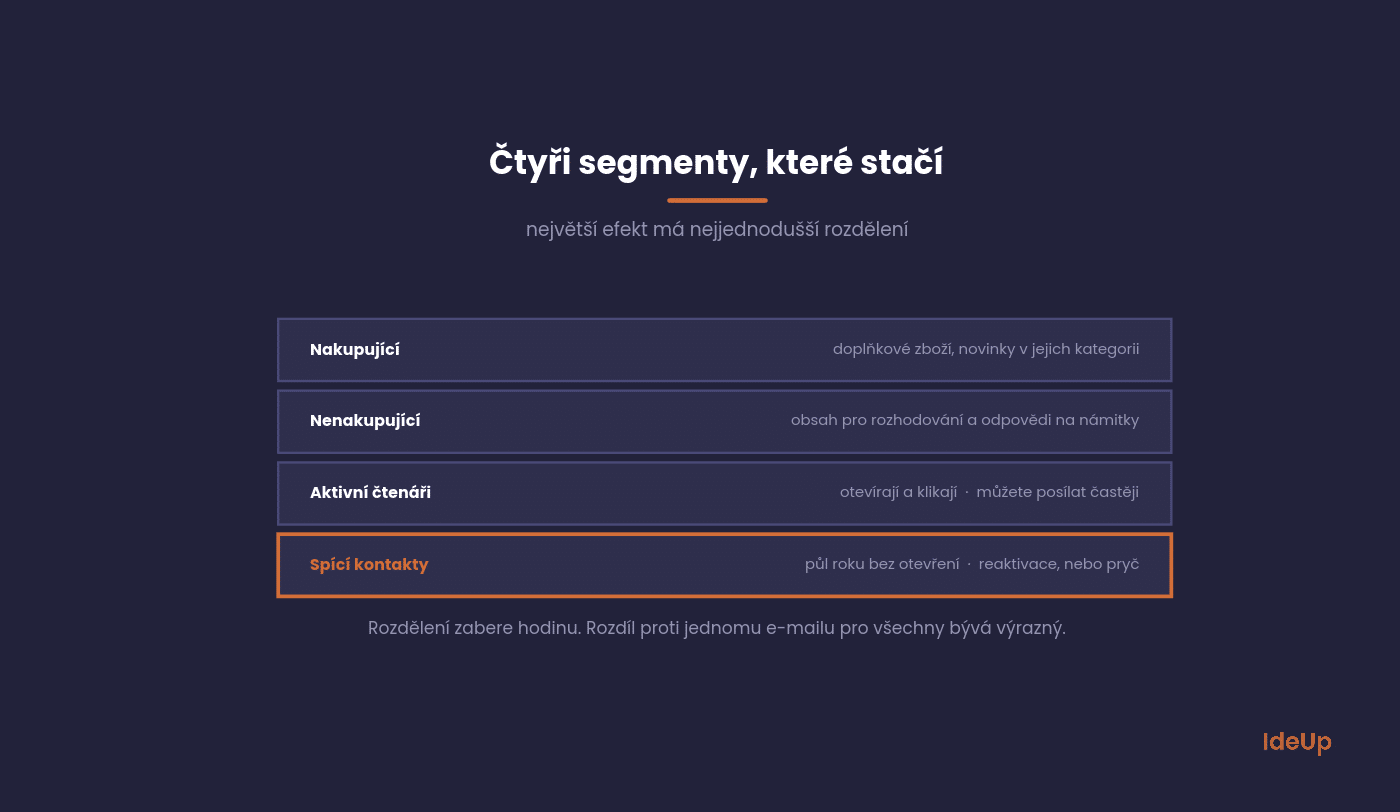
Buyers. Complementary products, news in their category, a loyalty programme.
Non-buyers. Content that helps with decision-making, and answers to objections.
Active readers. People who open and click. You can send to them more often.
Dormant contacts. Six months without an open. Reactivation, or removal from the list.
We describe the automations that build on these segments under email marketing. The newsletter is just one part of the whole channel.
Cleaning your database hurts, and it pays off
Removing a thousand contacts who never open feels like a loss. In reality, it’s the fastest way to improve deliverability for everyone else.
Email clients assess how your messages perform overall. Inactive contacts drag that average down.
A sensible approach is to send dormant contacts two reactivation emails asking directly whether they’re interested in the content. Anyone who doesn’t respond is removed.
Do this once or twice a year. Your database will shrink, but your results will improve.
What to track
Open rate has lost its informative value, because privacy protection in email clients reports some opens falsely.
Three other numbers are more useful.
Click rate. How many of the people you sent to clicked. This is the best indicator of content relevance.
Unsubscribes and complaints. An early warning system. If they rise, you’re doing something wrong and damaging your future.
Revenue per email sent. The only number you can compare with other channels. Watch the trend, not the absolute value.
What to avoid
We see the following mistakes again and again, and all of them shorten the life of a database.
They are fixed by a decision, not a better template.
Adding contacts without consent. A business card from a trade fair is not a subscription.
Hidden unsubscribe. When people can’t unsubscribe, they mark you as spam. That is much worse for deliverability.
A two-column template. Most emails are opened on a phone, and a two-column layout doesn’t work there.
A sender without a name. An email from a person gets opened more than an email from a company.
A template saves time only if it fixes the order of parts, not the content. Keep the same skeleton every time so readers know where to look.
- Sender name of a real person, with the company after it
- Subject line and preview text that work together
- One personal opening sentence
- The main item with its own short headline
- Supporting items in a single column
- One clear button or link
- A short sign-off and a visible unsubscribe link
For a company newsletter sent to clients or partners, the skeleton stays the same. Company news can appear, but only as a supporting item and only when it changes something for the reader, such as new opening hours or a new contact person.
The five questions we hear most often from e-shops and service companies alike.
The answers apply in general, though the numbers vary by industry.
How many contacts is worth having
Quality matters, not size. A thousand people who signed up themselves will bring more than ten thousand collected at random.
Track database growth after subtracting unsubscribes. A list that doesn’t grow naturally wears out every year.
One or two, yes, but the text must make sense without them. Many email clients don’t load images automatically.
An email made up of a single large image is the worst option, because if it doesn’t load, nothing is left.
How to collect contacts so the list keeps growing
Offer something specific, not news. A guide, a comparison, a back-in-stock alert, a discount on the first purchase.
And ask at the right moment, for example after someone views a second page or when they leave the basket.
Yes, just in a different form. Instead of promotions, you send content that helps with decision-making, and the cycle is longer.
This ties in with what we describe under generating B2B enquiries. There, a newsletter keeps a contact warm for months.
What if we have nothing to write about
Then don’t send. An empty newsletter damages your database more than if nothing arrived that month.
It’s better to reduce the frequency to a pace at which you have something to say, and stick to it.
Where to start
Open your last five newsletters and, for each one, ask what the subscriber was supposed to take away from it. If the answer is “we have a promotion”, you have your first task.
The second step is to check how many contacts in your database haven’t opened anything in the last six months. That number is usually a surprise.
If you know what to send but not how to write it, that’s where copywriting comes in. In a newsletter, the subject line and the first two sentences decide everything, the rest just delivers on the promise.
Want to connect your newsletter to the rest of your marketing so it isn’t an island? Take a look at our services or get in touch via our contact page.
Say what’s inside in plain words and put the most important part at the start. Write it after the rest of the email, when you know what the email is really about. Avoid riddles, capital letters and loud discount phrases.
Write to one person rather than to a list, and use “you” more than “we”. Build each email around one useful idea and support it with a real example. A recognisable sender and a regular rhythm also make people look forward to it.
Start from what your readers need, not from what happened inside the company. Use the same structure as any other newsletter, with one main item that helps the reader. Include company news only when it affects them directly.
Fix the order of parts, from sender name and subject line to the call to action and unsubscribe link. Use a single column so it reads well on a phone. Keep the template simple, because the content should change every time while the layout stays the same.